There has historically been some resistance within the photography community regarding the integration of Artificial Intelligence. Some argue that manually adjusting every setting and handling physical deliverables is a necessary part of the craft.
However, the industry is shifting. A corporate event planner looking to distribute photos to attendees values speed and a frictionless user experience. The same is true for a wedding client who wants to share photos with their guests quickly.
If you are a commercial event photographer, optimizing your workflow is essential for keeping up with client expectations.
This guide will discuss the AI tools that many efficient studios use today. We will look at AI editing software, delivery platforms, and why adopting this toolkit is beneficial for your business.
The Ingestion & Culling Process
The culling phase is often the most tedious part of event photography. Sorting through 8,000 RAW files to determine which frame has the sharpest focus takes significant time and energy.
Edge-Detection Models
Modern AI culling platforms (such as Narrative Select or Aftershoot) utilize computer vision models to automate this process.
- Focus Assessment: The AI uses edge-detection algorithms to evaluate contrast on the subjects' eyes, distinguishing between a sharp photo and one that missed focus.
- Expression Analysis: The software can detect blinks and unflattering expressions.
- Burst Grouping: It analyzes timestamps to group burst shots and highlights the best frame from the sequence.
A Faster Cull
What used to take hours of manual labor can now be processed in minutes. You simply review the AI's "Keepers," make executive artistic decisions, and export directly to Lightroom, saving you substantial time.
Color-Grading
Once the photos are culled, color grading thousands of RAW files is the next hurdle.
Traditionally, photographers relied on static Lightroom Presets. If you apply a preset to an outdoor photo, it looks great, but applying it to a tungsten-lit indoor photo requires manual adjustment.
Personalized Machine Learning
The modern toolkit utilizes personalized machine learning (platforms like ImagenAI or Neurapix).
You train the AI on your specific editing style. You upload previously edited Lightroom catalogs, and the neural network learns how you react to specific lighting conditions.
- It learns your preferred shadow adjustments for backlit photos.
- It learns how you correct white balance in mixed lighting.
- It learns your exact skin-tone preferences.
The AI Advantage
When you shoot a new event, the AI analyzes the lighting data of each new photo and dynamically adjusts the sliders based on your historical edits.
You receive a Lightroom catalog back where the photos are edited closely to your style. You spend a fraction of the time doing a final quality assurance pass. You can edit a large event in much less time.
(Want to dive deeper? Check out our guide on AI face recognition search).
Upscaling & Noise Reduction
For years, event photographers were limited by the physical constraints of light. In a dark reception hall, you either used aggressive flash or pushed your camera's ISO high, resulting in noise-filled images.
AI software has improved how we handle low-light photography.
Generative Noise Reduction
Tools built into modern software (like Adobe's AI Denoise or Topaz Photo AI) use advanced models to handle noise. Traditional noise reduction often simply blurred pixels, resulting in lost detail.
Modern AI reconstructions missing detail. It understands the texture of the subject and mathematically rebuilds those pixels while stripping away the digital grain.
Hardware Implications
This software means you don't necessarily have to rely entirely on expensive, ultra-fast prime lenses to survive dark receptions. You can shoot with versatile zoom lenses, push the ISO higher, and rely on AI to output a clean file in post-production.
The Distribution Platform
You have culled the photos, edited them, and cleaned the noise. You now have pristine JPEGs.
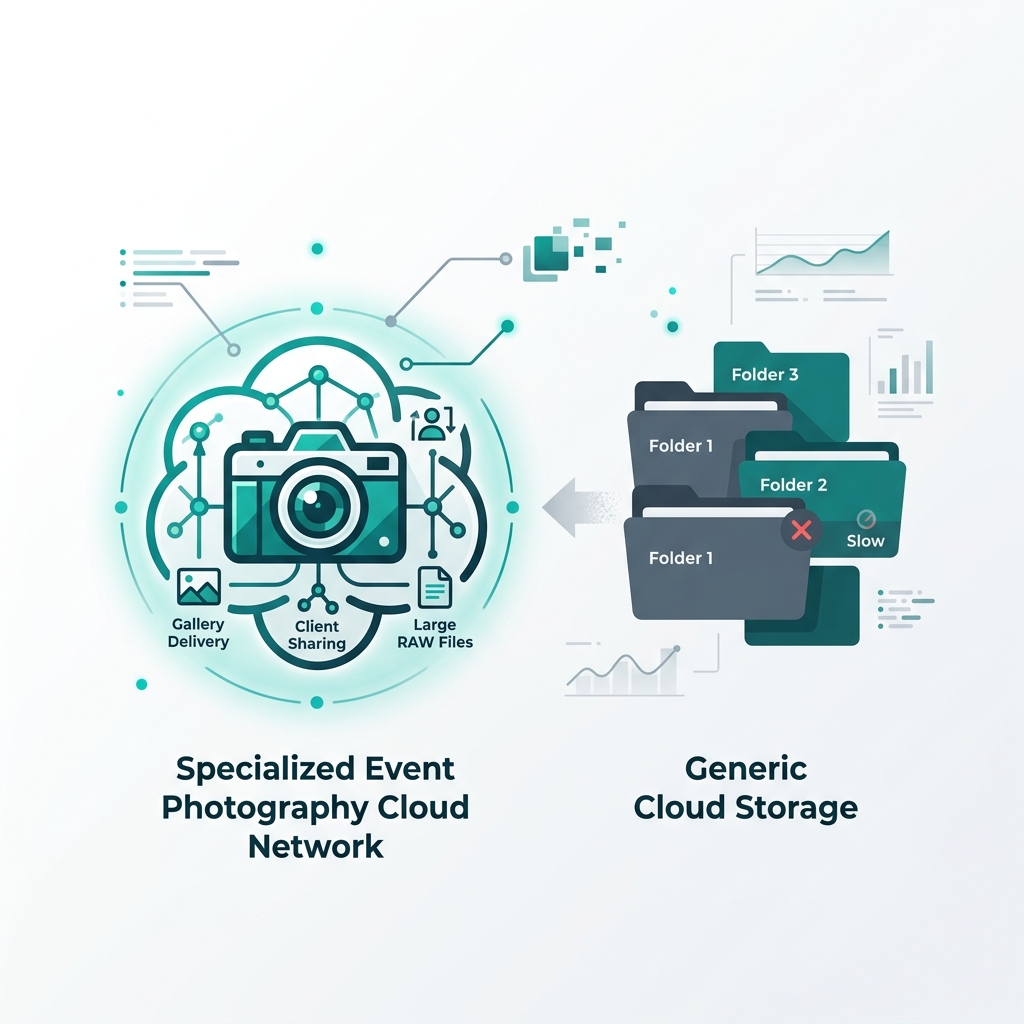
If you take these optimized files and upload them to a standard, generic cloud folder, you introduce friction at the final step.
Moving Beyond Folders
Forcing a client to navigate a folder hierarchy can be frustrating. If a guest wants a photo of themselves, scrolling through hundreds of thumbnails is inefficient.
The Facial Recognition Engine
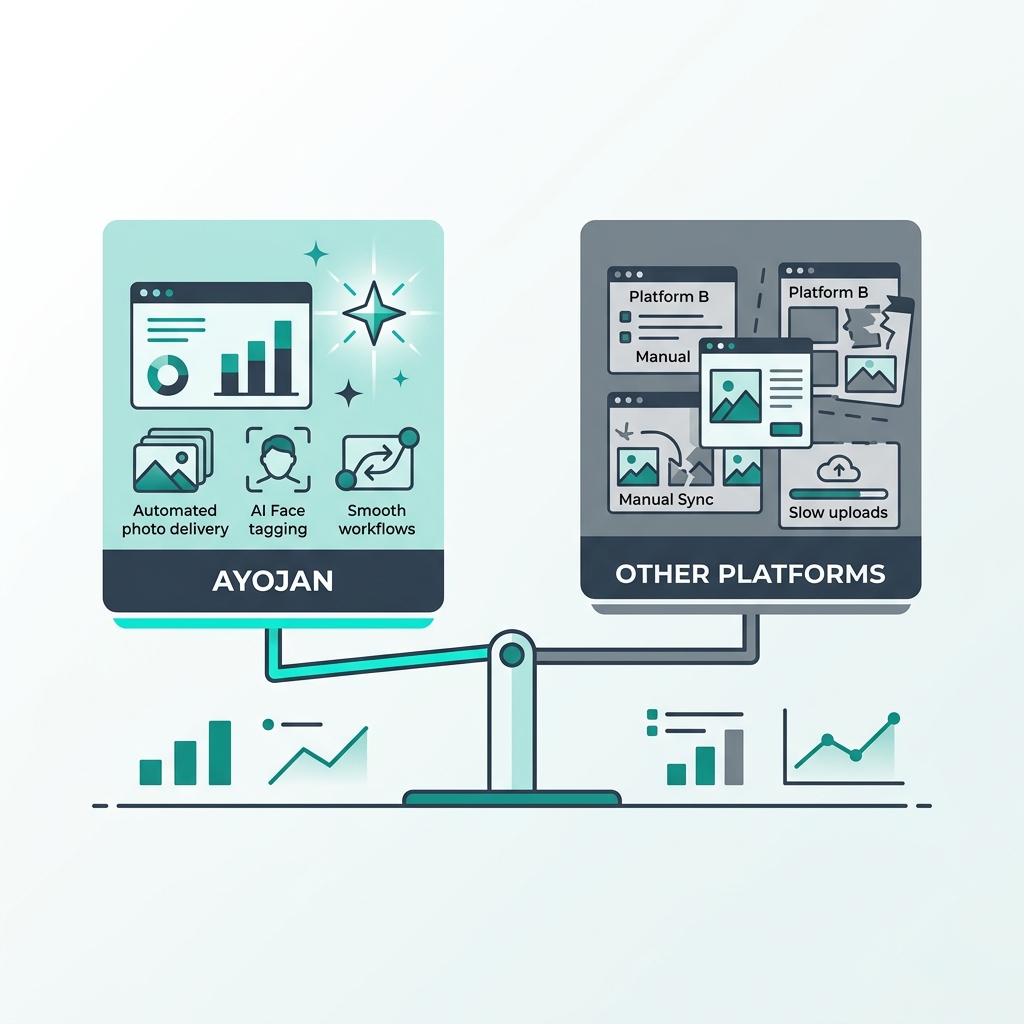
The modern toolkit benefits from an AI distribution platform. You upload the batch of photos to Ayojan.
The Ayojan backend utilizes a Hierarchical Navigable Small World (HNSW) vector database.
- The AI scans the photos and maps faces into mathematical vectors.
- When a guest takes a selfie, it is converted into a query vector.
- The database matches the guest's face against the gallery photos rapidly.
The guest receives a personalized gallery. The AI delivers the exact photos they want without manual searching.
Assessing the Value
Adopting this AI toolkit involves software subscriptions or pay-per-image costs. Some photographers hesitate due to these expenses.
However, it is important to consider the return on investment.
The Value of Time
Let's assume you charge a specific rate per event.
- In a manual workflow, you spend 30 hours culling, editing, and organizing.
- In an AI workflow, you spend processing credits, but you reduce your total labor time significantly.
You purchase high-level administrative efficiency for a relatively low cost.
Reclaiming Hours
The reclaimed hours can be spent optimizing your website's SEO, networking, or refining your marketing campaigns.
The manual photographer's capacity is capped because they are tied to editing. The AI-enabled photographer can take on more events, generate leads via automated delivery galleries, and grow their studio while maintaining a better work-life balance.
The photography industry is evolving. Software integration allows you to deliver a product faster and with a smoother client experience.
By adopting edge-detection culling, neural-net color grading, generative noise reduction, and vector-based distribution platforms like Ayojan, you improve your operational efficiency and ensure your studio remains competitive in the digital economy.