In the event photography industry, fatigue is often caused by the administrative weight of a chaotic post-production workflow rather than the act of shooting.
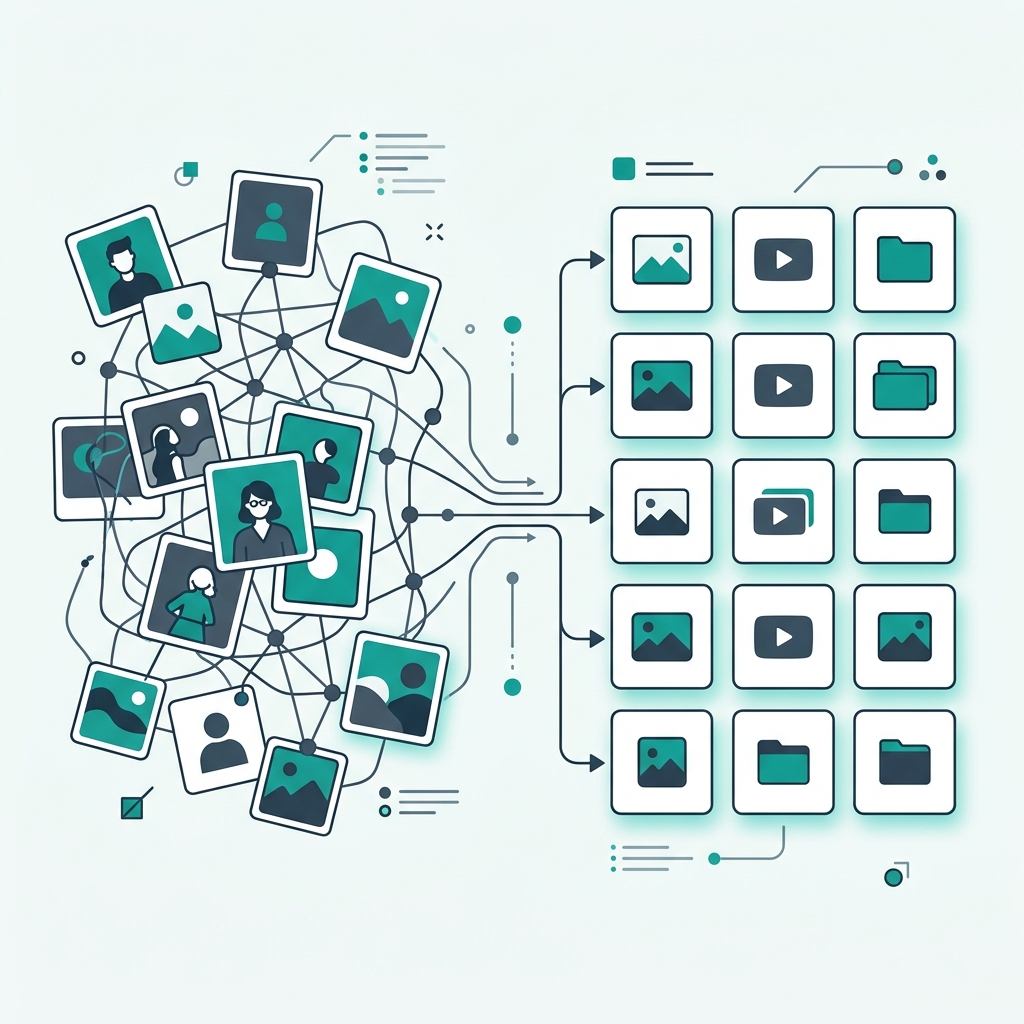
A photographer shoots a wedding on Saturday and returns home with thousands of RAW files. If those files are unorganized, the next few weeks can be stressful. Agonizing over which photos to cull, manually adjusting white balance on hundreds of individual images, and managing large file transfers to deliver the final product can be overwhelming.
If you operate this way, it limits how many events you can realistically take on.
To build a high-end studio, your workflow should be an optimized, frictionless process. Automating technical logistics allows you to focus more on client communication and artistic direction.
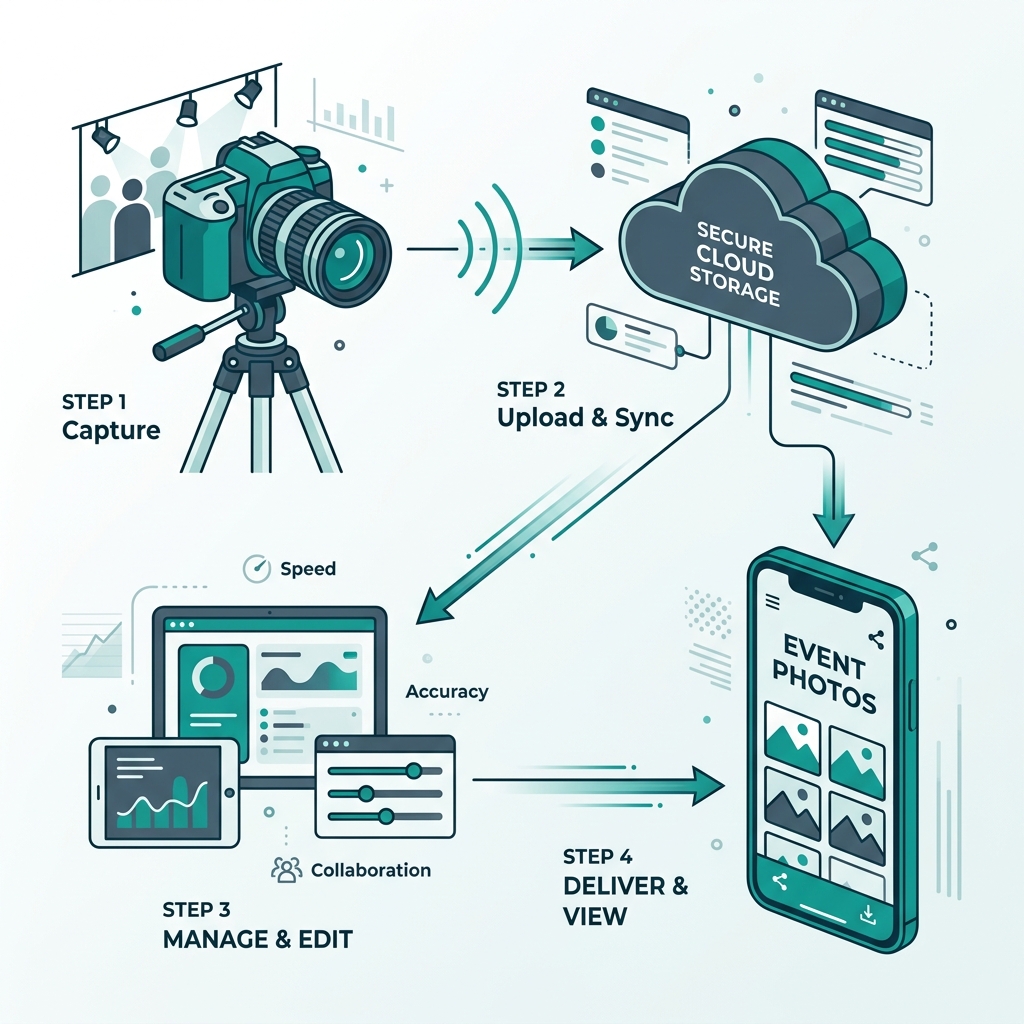
In this post, we'll outline a step-by-step workflow utilized by efficient event studios. We will cover pre-event camera synchronization, culling strategies, integrating AI batch editing, and using biometric delivery architecture to streamline distribution.
Pre-Event Synchronization (The Setup)
An efficient post-production workflow begins before you leave for the event. A common issue for multi-shooter studios is a failure to synchronize hardware.
If you are shooting a large gala with three associate photographers, and your cameras are not perfectly synced, your timeline in post-production will be chaotic. When you sort by "Capture Time" in Lightroom, the timeline will jump around. You will spend hours manually reorganizing photos.
The Sync Protocol
Before the event starts, you must gather all camera bodies.
- Format All Cards: Format SD cards in-camera before starting.
- Timecode Sync: Open the date/time settings on every camera. Pull up a live atomic clock on your phone (e.g., time.gov). Synchronize the hour, minute, and second across all camera bodies simultaneously.
- File Naming Convention: Change the internal file naming prefix in each camera to avoid duplicate file names.
- Camera A:
AYA_0001 - Camera B:
AYB_0001 - Camera C:
AYC_0001
- Camera A:
When you merge thousands of photos from different photographers into a single catalog, they will stack in perfect chronological order.
Ingestion and The 1-Pass Cull
The ingestion protocol should happen immediately after the event.
The 3-2-1 Backup
Transfer the SD cards onto a high-speed external SSD, which mirrors to a secondary RAID drive, which then triggers a cloud backup. Ensure the data exists in three places as soon as possible.
The 1-Pass Cull
Culling is where photographers often spend the most time. If you shoot 4,000 photos, your goal is to deliver around 800.
Many use a multi-pass method, selecting "maybes" and narrowing them down over several rounds. This process can be draining.
You can adopt the 1-Pass Cull, utilizing high-speed ingestion software like Photo Mechanic or Narrative Select.
The Guidelines for the 1-Pass Cull:
- Keep your finger on the right arrow key, and your other finger on the "1" key (to label a photo).
- Move efficiently.
- If the photo does not stand out, skip it.
- No "Maybes": It is either a "Yes" (press 1) or a "No" (skip).
- If you shoot a burst of identical photos, pick the first sharp one, hit "1", and aggressively move past the rest.
By enforcing this discipline, you can cull a large event down to the final selections efficiently.
(Want to dive deeper? Check out our guide on differentiating your services).
AI Batch Editing
Once you have your culled RAW files, you import them into Lightroom.
Historically, manual labor in Lightroom is the primary bottleneck preventing a studio from scaling. In the modern workflow, much of this labor is outsourced to machine learning.
The AI Profile Training
You can utilize AI editing platforms like ImagenAI or Aftershoot. You upload thousands of your previously edited, finished photos from past events to train the AI. The algorithm analyzes your specific editing style—how you manipulate the tone curve or push warmth into the highlights. It creates a personalized AI Profile.
The Execution
- You select the culled photos in Lightroom.
- You send the catalog to your personalized AI Profile.
- A short time later, the AI returns the catalog.
The photos are individually adjusted based on your style.
The Human Polish: The AI provides a strong baseline. You simply scroll through the edited photos in grid view and manually tweak the ones that require specific local masking. What used to take days of manual labor now takes significantly less time.
Frictionless Delivery
You now have perfectly color-graded, high-resolution JPEGs.
The standard workflow at this stage involves uploading the files to a generic cloud drive and emailing the client a link. As discussed in previous posts, this creates administrative challenges.
You can deploy the final stage of the workflow: Biometric Delivery.
Upload and Indexing
You upload the JPEGs directly into the Ayojan cloud platform. As the photos upload, the database scans the images and extracts the facial data of the guests. The AI indexes the gallery automatically.
Delivery Architecture
You can execute a tiered delivery system.
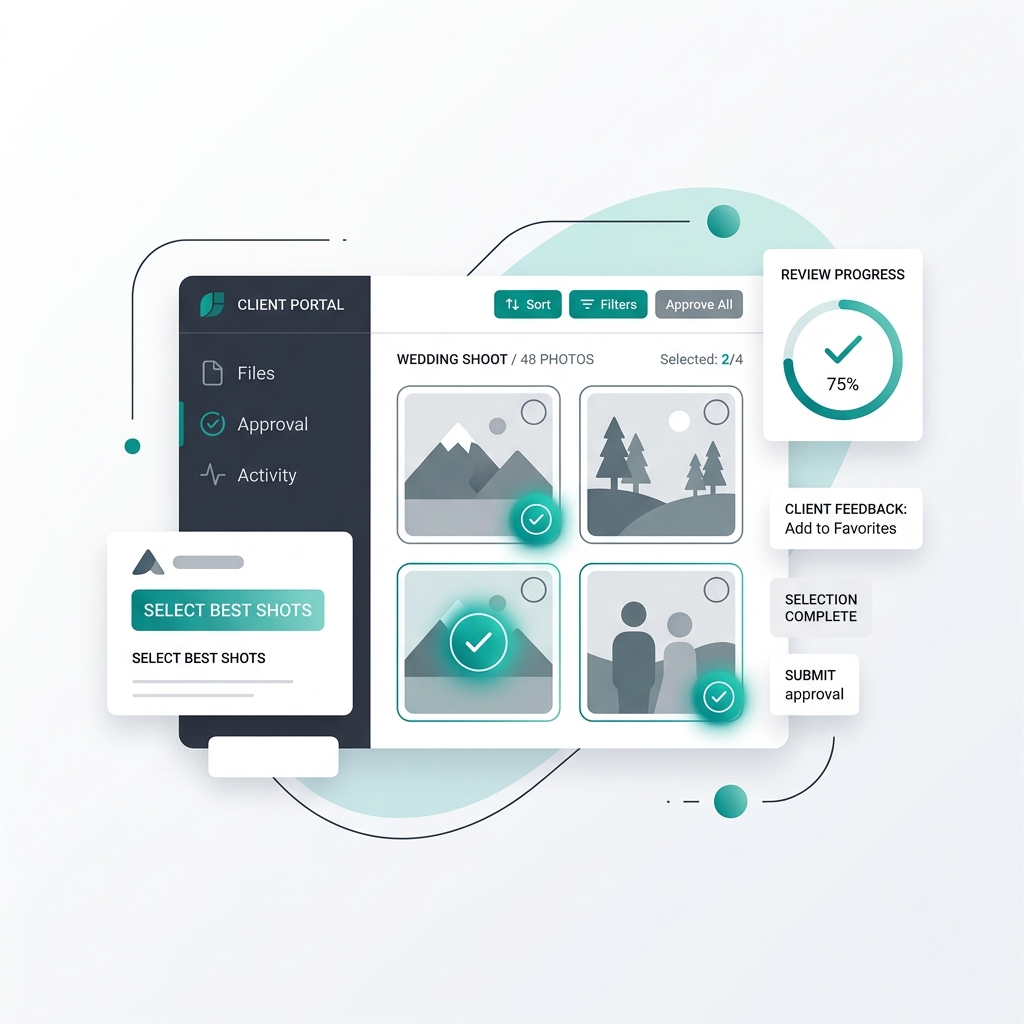
- The Primary Client: You email the Bride or the Corporate Planner their secure portal link. They log in and have unrestricted access to download the entire collection.
- The Guest Network: The QR codes you placed at the event are already active.
The Automated Flow
You do not have to manage guest requests manually. The guests scan the QR codes, take a selfie, and the Ayojan AI instantly delivers their specific, personalized micro-gallery.
If you configure it, the system can ask guests to enter their email addresses to download the high-res files, capturing leads. If you set up a print store, guests are prompted to purchase prints, generating automated revenue.
Photography is an art form, but running a photography business requires logistics.
By implementing an organized workflow, you reduce friction. You synchronize the hardware to prevent timeline issues. You utilize the 1-Pass cull to save time. You deploy personalized AI algorithms for color grading. Finally, you use an AI distribution architecture like Ayojan to deliver the media securely.
When your workflow operates efficiently, you reclaim your time, allowing you to take on more events and grow your business sustainably.