In the lifecycle of an event photography contract, there is often a moment when the creative work ends and the administrative work begins.
You have successfully navigated the live event. You have spent hours color-grading the RAW files. You have exported the final, high-resolution JPEGs to your hard drive.
Now, you have to figure out how to get those photos to the people who want them, without generating a flood of technical support questions from clients and guests.
Photo distribution is a common pain point in the photography business. In this post, we'll outline a blueprint for streamlining your distribution pipeline, reducing administrative headaches, and improving the delivery experience for your clients.
The Technical Support Challenge
When you deliver photos using legacy methods, you often inadvertently become an IT support desk for your client's extended family.
Issues with ZIP Files
Let’s look at standard ZIP file delivery. You send a large ZIP archive to the client.
- The client may try to open the ZIP file on their smartphone, which often struggles with large archives.
- They might open it on a laptop that lacks sufficient storage space.
- Once extracted, they may struggle to figure out how to forward the large files to family members.
You can end up spending unbillable time troubleshooting basic file management issues for your clients. This distracts you from your core work and can frustrate the client.
Physical Media Limitations
Some studios mail physical USB drives to solve cloud issues. However, many modern laptops no longer have standard USB-A ports. When the client receives the drive, they may not be able to plug it into their computer without an adapter.
Physical delivery creates friction and delays the gratification of seeing the photos.
Utilizing a "Single Point of Truth"
To reduce distribution issues, it helps to move away from "sending files" and move toward "hosting a Single Point of Truth."
When you send a ZIP file, you create a duplicate copy of the data. If you need to fix an edit, you have to send a new file, creating version control issues.
Cloud-Native Hosting
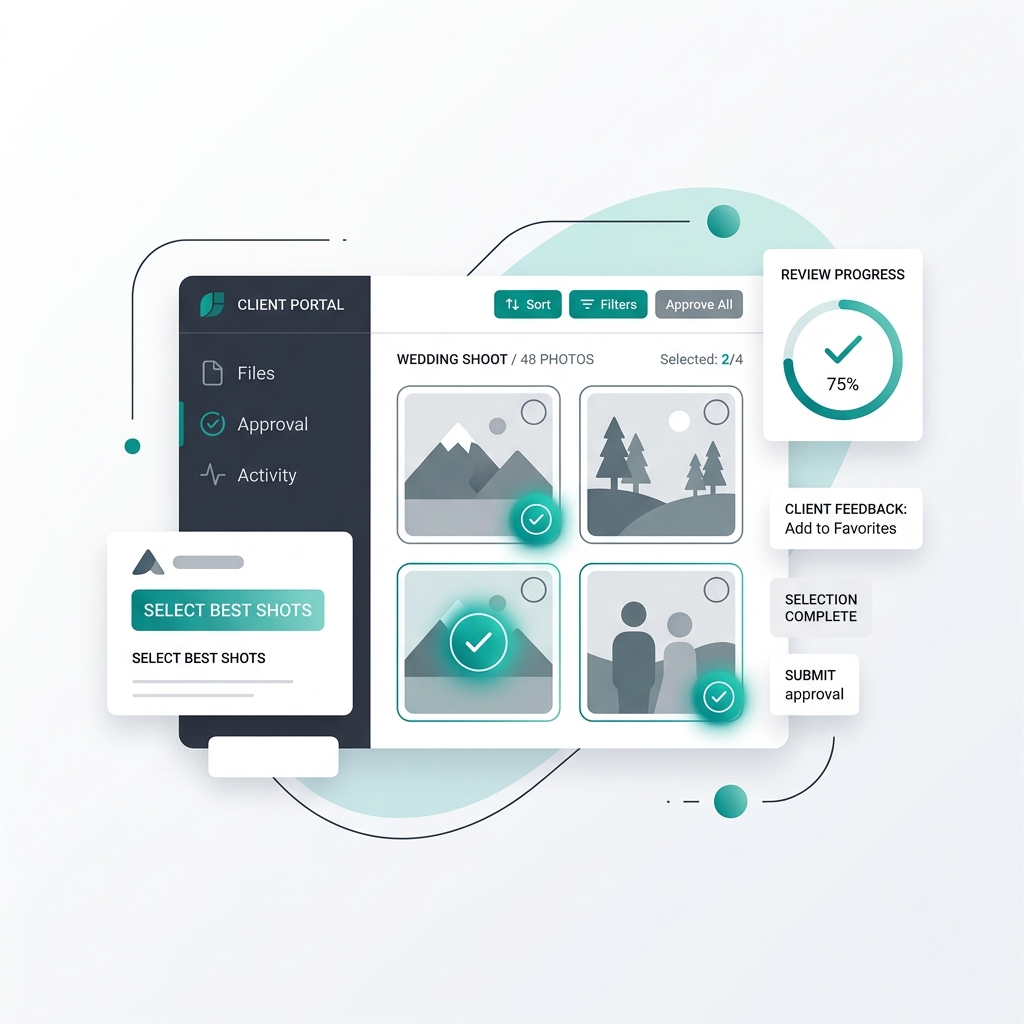
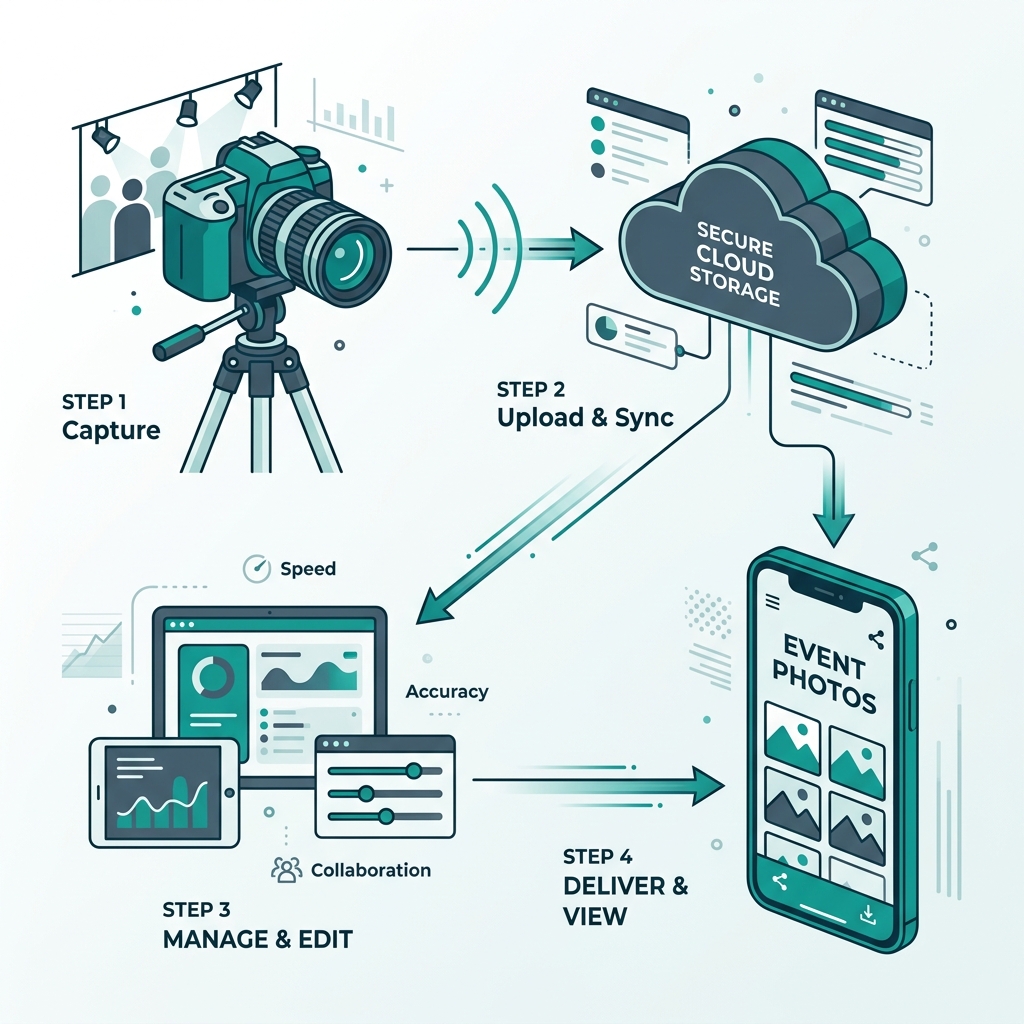
When you use a platform like Ayojan, the high-resolution files live securely on a cloud architecture. You grant the client access to the gallery.
If you need to update a photo, you replace it on the backend, and the client's view updates instantly.
The client can view the gallery on a smartphone, tablet, or computer because the software is a web-native application. It requires no file extraction. This eliminates many common support questions.
(Want to dive deeper? Check out our guide on ditching standard cloud folders).
Rethinking Manual Sub-Folders
Even with a cloud gallery, you face the task of internal organization. If you put 4,000 photos into a single view, it can be difficult to navigate.
Historically, photographers spent hours manually sorting photos into sub-folders like "Getting Ready," "Ceremony," and "Reception." This is an administrative task that reduces your effective hourly rate.
The AI Sorting Solution
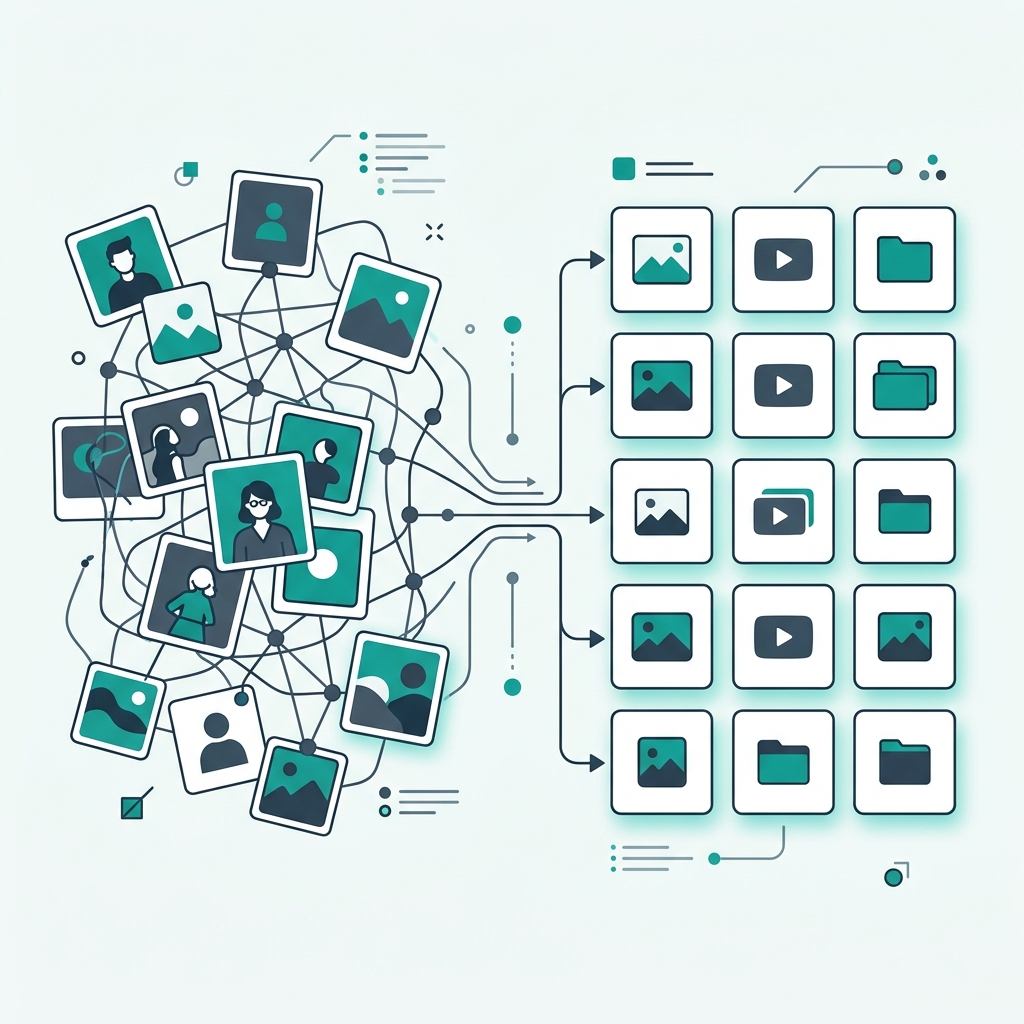
With an AI-driven platform, manual folder creation is largely unnecessary. You upload the photos in a single batch.
As the photos hit the cloud, the AI engine can perform contextual tagging. Modern computer vision models analyze the content of the image. The AI recognizes a wedding dress and tags it "Getting Ready." It recognizes a stage and tags it "Reception."
When the client logs in, they see an organized gallery with dynamic filters. They can click "Decor" and see the relevant shots without you having to manually create that folder. You save hours of administrative work.
Managing Post-Delivery Requests
A common distribution issue occurs weeks after you deliver the gallery.
You receive an email from the client asking if you have any photos of a specific relative. To answer this, you have to open the Lightroom catalog and manually scan the photos.
Streamlining with AI
When you use facial recognition technology like Ayojan, you can streamline these requests.
Because the delivery mechanism allows guests to find their own photos via a selfie, the administrative burden is transferred to the software.
When a client asks you to find photos of a relative, you can reply with a standard response:
"Hi! Because we use an AI gallery, you or your relative can click the gallery link and take a quick selfie. The system will instantly find any photos they appear in."
The Client Experience
You solve the client's problem efficiently. The relative uses the selfie search and finds their photos quickly. The client is happy because the issue is resolved, and you save time by letting the technology handle the search.
Simplifying Print Sales
The final aspect of distribution involves print sales and high-res downloads.
Manually managing print orders—receiving emails with filenames, sending payment requests, and emailing files—is tedious. Many photographers leave print revenue on the table because of the hassle.
Integrated E-Commerce
Your delivery platform can include integrated e-commerce features.
When a guest uses the Ayojan selfie-search and finds a photo, they see a "Buy Print" button.
- They click the button and enter their payment details.
- The platform processes the payment.
- The platform automatically generates a secure download link or routes the print order to a professional lab for fulfillment.
You generate print and digital download sales automatically, without managing the transaction manually.
Respecting the value of your own time is crucial in a photography business. Every minute you spend explaining how to extract a ZIP file or manually sorting photos into sub-folders is a minute you could spend on creative work or marketing.
By deploying a cloud-native AI platform like Ayojan, you automate much of the administration. You provide a smooth software experience to your clients that requires minimal technical support. You protect your time and streamline one of the most tedious phases of the photography workflow.