In the early 2000s, delivering a wedding gallery in eight to twelve weeks was considered the industry standard. Photographers were shooting on film, physically developing negatives, and hand-mounting prints into leather-bound albums. The client understood that artistry took time, and patience was an accepted reality of the market.
Today, expectations have shifted. We live in an era defined by next-day delivery, instant streaming, and real-time social media updates. When a modern bride or a corporate CMO hires a photographer, their internal clock starts ticking the moment the event ends. If you deliver a gallery four weeks after the event, the client's initial excitement has often faded.
The new industry standard for many premium studios is the 24 to 48-Hour Turnaround.
Delivering a 5,000-image gallery in 24 hours sounds challenging for a solo operator. It sounds like a recipe for burnout, sleep deprivation, and rushed editing. But by eliminating administrative friction and deploying cloud-based automation, you can execute a fast turnaround while actually getting a full night's sleep.
This guide breaks down the technical workflow required to ingest, cull, color-grade, and distribute a large event gallery efficiently.
Defeating the Ingest Bottleneck (The Live Event)
The biggest mistake photographers make when trying to achieve a 24-hour turnaround occurs before the event is even over.
The traditional workflow involves the photographer shooting for 14 hours, returning to their hotel room at 2:00 AM, exhausted, and plugging four 128GB SD cards into a slow card reader. The transfer to the external hard drive takes two hours. The photographer falls asleep at 4:00 AM, effectively hurting their cognitive ability to edit the next day.
You should aim to eliminate the 2:00 AM ingest.
The Rolling Backup Strategy
If you are shooting a large event, you must ingest data continuously throughout the day.
- During the lunch break, swap your cards. Give the morning cards to your assistant or dedicated DIT (Digital Imaging Technician).
- The assistant immediately offloads the morning shoot onto two redundant SSDs (Solid State Drives, not spinning HDDs) using a high-speed Thunderbolt 4 card reader.
- By the time the reception ends at midnight, 80% of your RAW files are already securely ingested, backed up, and ready to edit. You only have to offload the final 20% when you return to your room.
The Camera-to-Cloud Bypass
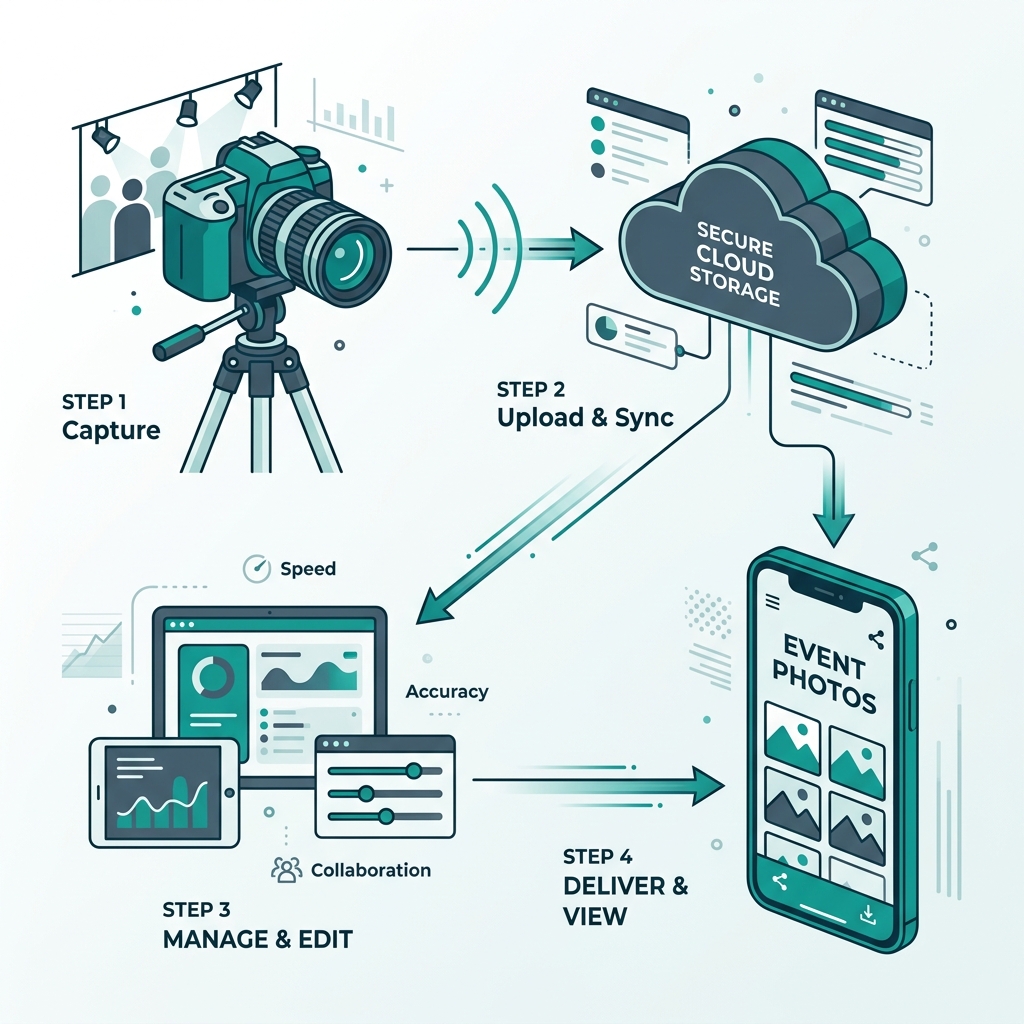
The ultimate speed hack is bypassing the SD card entirely. If you configure your Sony or Canon camera to FTP small JPEGs directly to the Ayojan cloud via a 5G hotspot while you are shooting, the ingest phase is largely eliminated. The photos are live on the platform before you even pack up your lighting gear. However, if you require deep RAW editing, the Rolling Backup strategy is recommended.
(Learn more about structuring your photography business for scale in our automation guide).
The Efficiency of AI Culling
You wake up the morning after the event. You have 8,000 RAW files sitting on your SSD.
Historically, culling (selecting the "keepers") was the most time-consuming part of the job. You would sit in Photo Mechanic or Lightroom, staring at 14 identical photos of a bridesmaid walking down the aisle, trying to determine which one had the best eye focus. This process would take 6 to 8 hours of intense labor.
You can streamline this significantly.
Deploying the Algorithm
You can integrate AI culling software (such as Narrative Select, Aftershoot, or Imagen) into the front of your pipeline.
- The Import: You drag the 8,000 RAW files into the AI culling software.
- The Automation: You click "Start" and take a break.
- The Analysis: The AI analyzes every single photo. It groups identical burst shots together. It uses algorithms to evaluate critical focus on the subjects' eyes. It analyzes facial geometry to detect blinks and motion blur.
- The Result: Within 30 minutes, the AI flags the misfires, blinks, and duplicates, and highlights the technically sound "keepers."
You sit down at your computer, spend 15 minutes reviewing the AI's selections to ensure it didn't miss anything artistic, and export the keepers directly into a new Lightroom catalog.
You just saved hours of labor and decision fatigue.
The Sync-Edit Workflow
You now have 3,000 perfectly culled, sharp RAW files in Lightroom.
If you attempt to edit these 3,000 photos one by one—tweaking the exposure slider, adjusting the white balance, adding a vignette—you will struggle to meet a 24-hour deadline. You must edit in synchronized blocks.
The Global Anchor Profile
Your studio likely has a defined, consistent "look." Whether you shoot light-and-airy or dark-and-moody, you should have a custom Lightroom Preset that achieves 90% of your final look with one click.
- Select All: Hit
Ctrl+A(orCmd+A) to select all 3,000 photos in the Library module. - Apply Preset: Apply your global anchor preset to the entire catalog instantly.
The Scene-by-Scene Synchronization
The lighting at a wedding changes drastically. The getting-ready room has blue window light. The ceremony is in bright midday sun. The reception is lit by DJ lighting. You cannot apply one white balance to the whole event.
You must edit by Scene.
- Filter the catalog to the "Getting Ready" photos (approx. 400 images).
- Find one photo that represents the average lighting of that room. Edit that single photo perfectly (adjust exposure, fix the blue window light with the temperature slider).
- Select the other 399 photos in that scene.
- Hit "Sync Settings" in Lightroom.
In a few minutes, you have color-corrected 400 photos. You repeat this process for the Ceremony scene, the Portraits scene, and the Reception scene.
Outsourcing to AI Editors
If the Sync-Edit workflow is too manual for your volume, you can outsource the color-grading process to AI profiles (like ImagenAI). These platforms analyze your past Lightroom edits, learn your specific editing style, and apply your exact exposure, contrast, and white balance adjustments to new RAW files in less than an hour.
With AI culling and AI editing, a workflow that took a week can be completed in a fraction of the time.
Smooth Distribution
You have successfully exported final, beautifully edited JPEGs. It is now 4:00 PM the day after the event. You are well within the 24-hour window.
The final step is distribution. If you use this moment to upload the photos to Google Drive, and then spend 3 hours manually dragging photos into sub-folders ("Decor," "Bride's Family," "Groom's Friends"), you will slow your momentum.
The Streamlined Upload
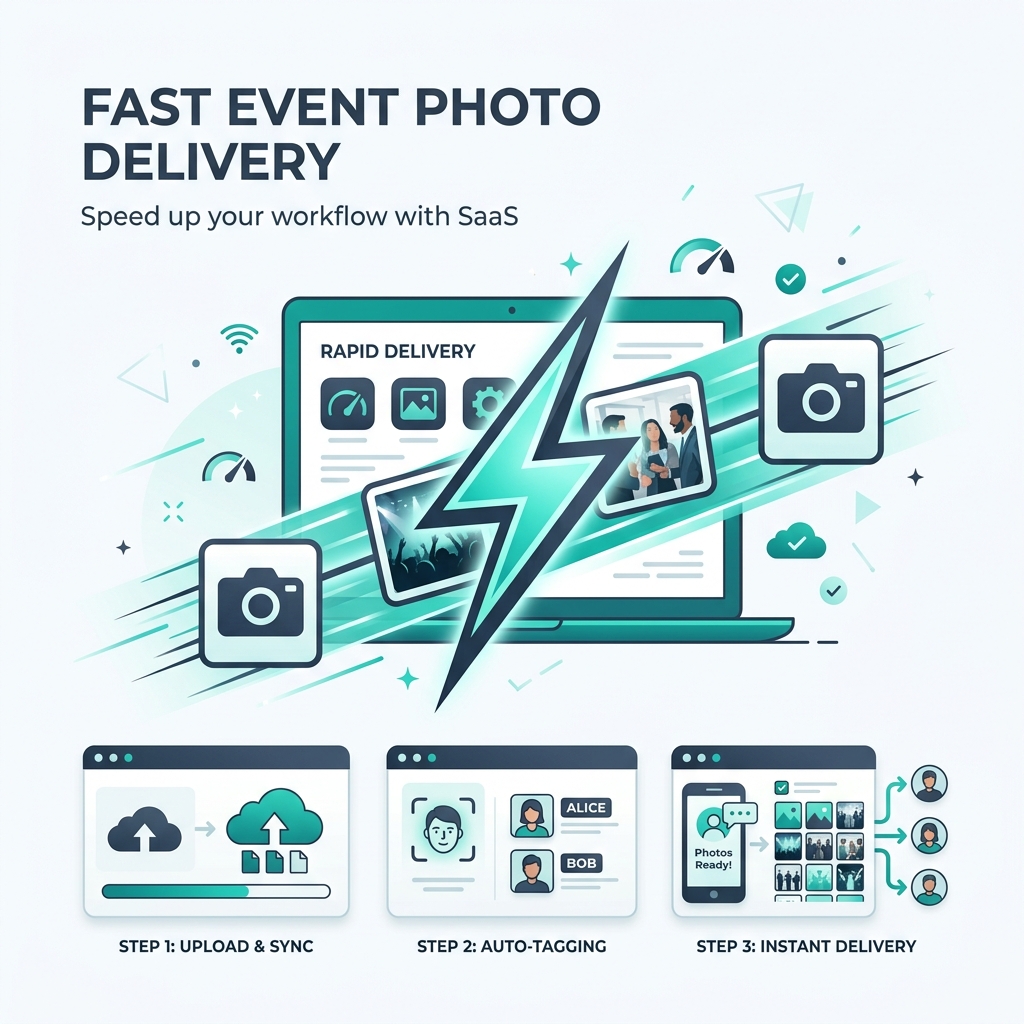
You can use a platform like Ayojan that eliminates manual organization. You select all JPEGs and drag them into the Ayojan cloud uploader in one batch. You do not need to create a single folder.
As the photos hit the cloud servers, the Ayojan AI engine takes over.
- It maps the facial vectors of every single person in the photos.
- It automatically contextualizes and tags the photos based on scene data.
The Automated Delivery Email
At 5:00 PM, the upload completes. You send a pre-written template email to the bride and groom:
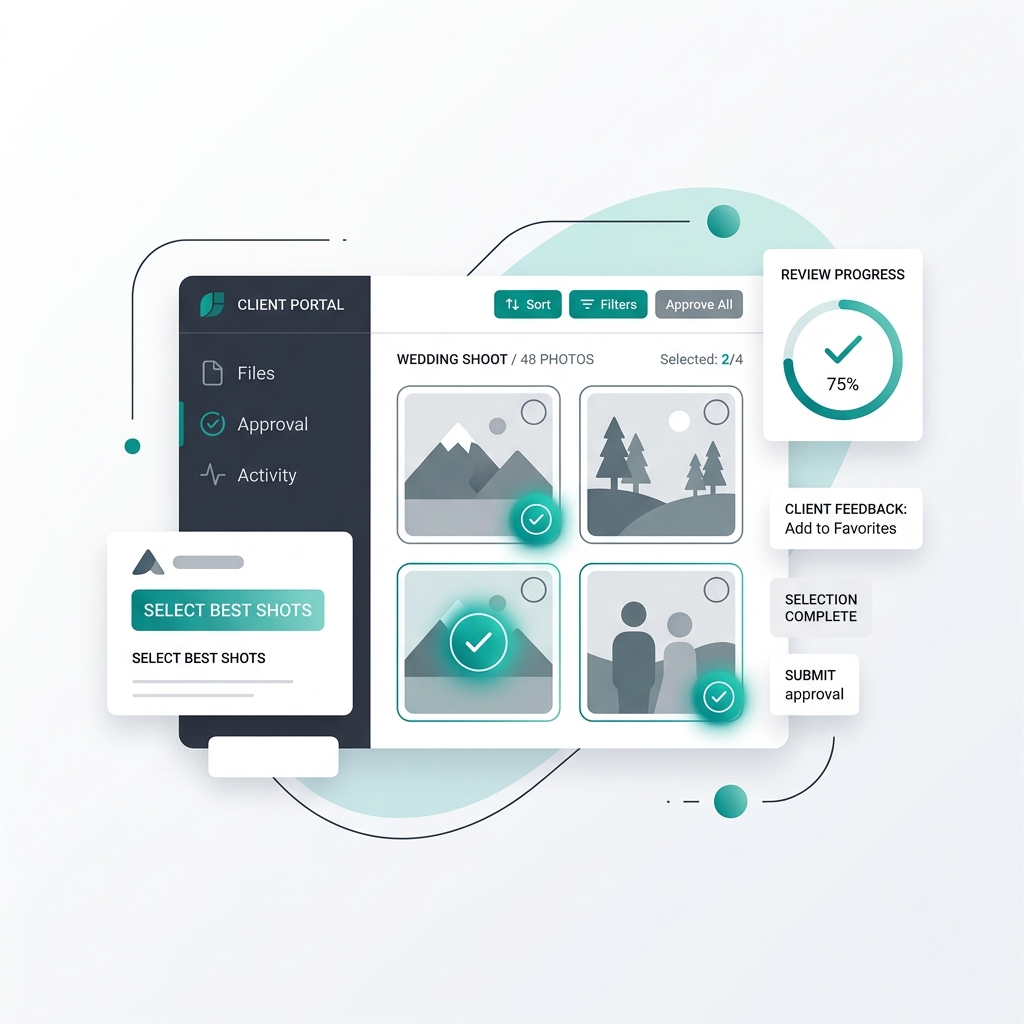
"Hi Sarah and John! Your complete wedding gallery is ready. Please click the link below to access the master gallery. To find your photos, and to allow your guests to find theirs, simply scan the QR code included below and take a quick selfie. Our AI will deliver your personalized photos to your phone. Thank you for trusting our studio!"
The Impact of Speed
Delivering a large gallery within 24 hours of the event concluding creates a strong impression for the client.
They often expect to wait weeks. When your email hits their inbox the very next day, you exceed their expectations in the best possible way.
The Peak Emotional State
When you deliver at the 24-hour mark, the client is still riding the emotional high of the event. They are sitting in their hotel room or waiting for their flight to the honeymoon. They are eager for visual validation of the celebration they just hosted.
Because their emotional state is peaked, their reaction to your photos will be highly positive.
The Distribution Window
More importantly, the 24-hour window is the peak period of social media relevance. The guests are still talking about the wedding. The hashtag is still active.
When you deliver the AI selfie-search link to the bride on Day 1, she can immediately forward it to the guest WhatsApp group. The guests, who are scrolling on their phones on a Sunday afternoon, take selfies and find their photos. They can immediately post your watermarked images to their Instagram stories, tagging your studio.
The belief that high quality requires a large amount of time is shifting. In the digital age, speed is not the enemy of quality; speed is a premium feature that clients value highly. By restructuring your operational pipeline—bypassing the late-night ingest, utilizing AI for culling and grading, and relying on facial recognition platforms for distribution—you reduce the administrative work that slows down traditional photography workflows. You deliver faster, sleep longer, and run a more efficient business.